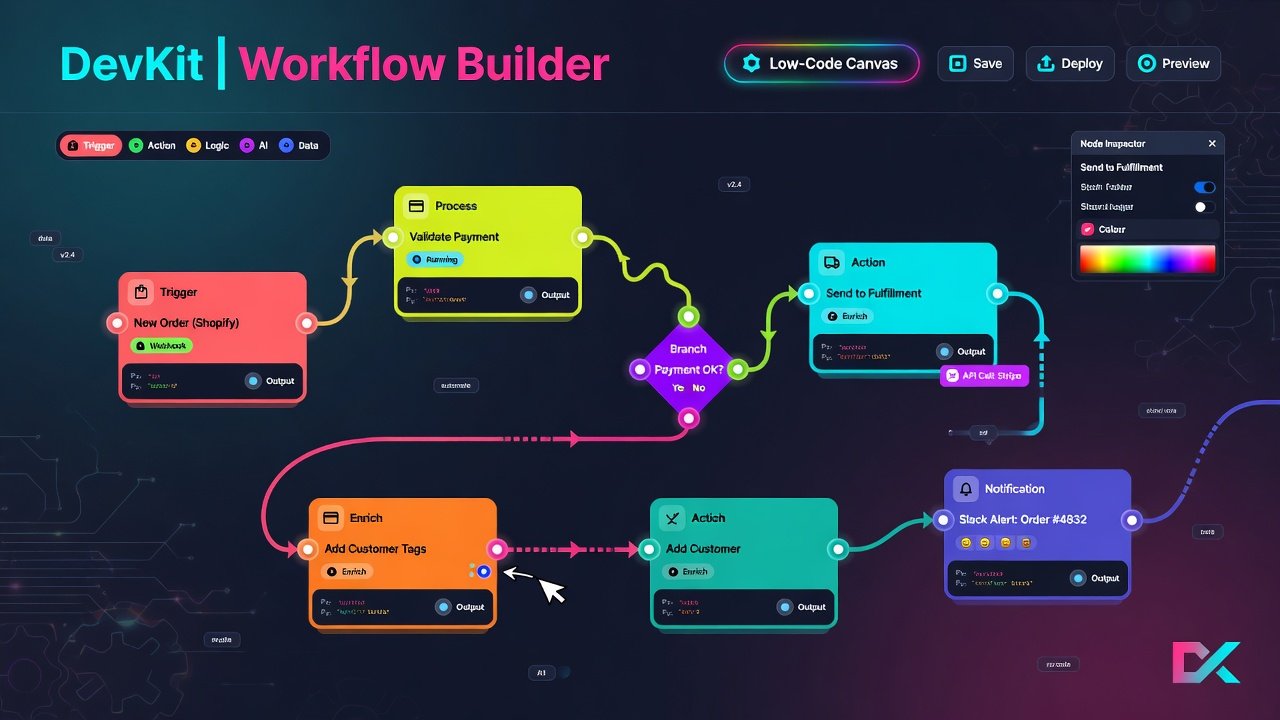
Converting cURL commands to JavaScript is the most common conversion developers need. The two main options are the native fetch() API and the Axios library. Each has different syntax, features, and error handling patterns. Understanding both is essential for modern web development.
fetch vs Axios for Converted Code
fetch(): native, no dependencies, uses promises, requires manual error handling (fetch doesn't throw on 4xx/5xx). Axios: popular library, automatic JSON parsing, throws on non-2xx responses, supports interceptors and timeouts. For simple one-off requests, fetch is sufficient. For applications with complex API needs (interceptors, automatic retries, request cancellation), Axios is the better choice. A cURL to code converter should support both options and generate clean, modern async/await syntax.
Why This Matters in 2026
JavaScript minification and bundle optimization have become critical skills in 2026. As web applications grow more complex, the amount of JavaScript shipped to users directly impacts performance, especially on mobile networks. Modern build tools like Vite, esbuild, and SWC handle minification automatically, but understanding what they do — tree shaking, code splitting, dead code elimination — helps you configure them effectively and debug issues when they arise.
Key Takeaways
- Minification reduces file size by 30-60%; gzip adds another 70% reduction
- Tree shaking removes unused exports — use ES modules and mark side-effect-free packages
- Code splitting with dynamic import() loads only what is needed per route
- Source maps are essential for debugging minified code in production
- Set a bundle size budget in CI to prevent performance regressions
- Choose your minifier based on your build tool — do not mix minifiers
Common Mistakes to Avoid
- Not generating source maps in development builds, making debugging impossible
- Importing entire libraries when only a few functions are needed
- Not enabling tree shaking by using CommonJS instead of ES modules
- Shipping all code in a single bundle instead of code-splitting by route
- Not setting a bundle size budget, allowing bundles to grow unchecked
- Serving source maps publicly, exposing original source code to attackers
Warning
Always serve source maps to authorized users only. Publicly accessible source maps expose your original source code, including comments, variable names, and potentially sensitive business logic.
Best Practices
- Use Vite (esbuild) or Next.js (SWC) for fast, modern builds
- Enable tree shaking with ES modules and sideEffects: false in package.json
- Implement route-based code splitting with React.lazy or dynamic import()
- Audit dependencies regularly with bundle analyzers like webpack-bundle-analyzer
- Replace heavy libraries with lighter alternatives (e.g., date-fns over moment.js)
- Set a bundle size budget (e.g., 200KB initial JS) and enforce it in CI
Tip
The biggest bundle size gains come from removing unused dependencies, not from better minification. Run a bundle analyzer regularly and question every kilobyte.
Quick Reference
Here is a quick reference for modern JavaScript minification and optimization patterns:
// Dynamic import for code splitting
const AdminPanel = React.lazy(() => import("./AdminPanel"));

// Tree-shakeable export (ES module)
export function formatDate(date) {
  return new Intl.DateTimeFormat("en-US").format(date);
}

// Vite config for production optimization
// vite.config.js
export default {
  build: {
    minify: "esbuild",
    rollupOptions: {
      output: {
        manualChunks: {
          vendor: ["react", "react-dom"],
        },
      },
    },
  },
};
Real-World Example
A practical example: implementing route-based code splitting in a React application. This pattern loads only the JavaScript needed for the current route, reducing initial bundle size significantly:
import { lazy, Suspense } from "react";
import { Router, Route } from "react-router-dom";

const Home = lazy(() => import("./pages/Home"));
const Blog = lazy(() => import("./pages/Blog"));
const Tools = lazy(() => import("./pages/Tools"));

function App() {
  return (
    <Router>
      <Suspense fallback={<div>Loading...</div>}>
        <Route path="/" element={<Home />} />
        <Route path="/blog" element={<Blog />} />
        <Route path="/tools" element={<Tools />} />
      </Suspense>
    </Router>
  );
}
Tools and Resources
- DevKit JavaScript Minifier — minify JS with Terser or esbuild in the browser
- DevKit cURL to Code — convert API calls to JavaScript fetch/axios code
- Vite — modern build tool with esbuild-powered minification
- webpack-bundle-analyzer — visualize and analyze bundle contents
- Bundlephobia — check the cost of adding an npm package
"The best way to reduce bundle size is to ship less JavaScript. Every kilobyte you do not ship is a kilobyte users do not download."
JavaScript minification and bundle optimization are essential for web performance in 2026. Use modern build tools, enable tree shaking, implement code splitting, set bundle size budgets, and always generate source maps for debugging. The goal is not just smaller JavaScript, but less JavaScript overall.